
It is Womens History Month Make Sure Womens Stories Are Heard
I've been thinking about my grandmother lately.
Not just this month — though Women's History Month has a way of bringing her closer. I've been thinking about the stories she carried. The things she lived through, survived, built, and lost. The wisdom she had that I only caught in glimpses before she was gone.
I never thought to ask her to tell me everything. I assumed there would be time.
There wasn't.
And I don't think I'm alone in that. I think most of us have a woman in our lives — a mother, a grandmother, an aunt, a mentor — whose story we only half know. Whose voice we'd give anything to hear again. Whose face we wish we'd photographed more honestly, more carefully, more intentionally.
That grief is part of why I became a photographer. And it's entirely why I created Her Words, Her Light.
What Her Words, Her Light Actually Is
I want to be clear about something: this is not a portrait session with a fun podcast add-on. This is a documentary project. A legacy archive. A deliberate act of preservation.
Every woman who participates is personally selected — because I see something in her worth documenting. She comes to my Pleasanton studio, where we create a cinematic black-and-white portrait that captures who she actually is. Not who she thinks she should be. Not her LinkedIn headshot. Her.
Then we talk. An unscripted, honest conversation that becomes a full episode of Visible Impact — my new podcast dedicated to the stories women are finally ready to tell.
Together, the portrait and the podcast episode become something lasting. Something her daughters and granddaughters can return to. Something that says: she was here, and she mattered, and this is what she had to say.
The Thing I Keep Hearing
Every woman I've approached about this project says the same thing first.
"I don't think I'm interesting enough." "My story isn't that special." "I hate being in front of a camera."
And every single woman who has pushed past that and participated has left the studio changed. Not because I did anything magical — but because being truly seen, and truly heard, does something to a person. It reminds her that her story matters. That she matters.
That's not a small thing. In a world drowning in artificial images and curated perfection, being seen honestly might be the most radical act there is.
Why Now
Women's History Month exists to remind us that history is made of individual stories — not just movements and milestones, but the quiet, extraordinary lives of ordinary women.
I want to document those lives before they're gone.
If you've been thinking about participating, or if someone came to mind while you were reading this — please don't wait. Sessions are $650 and include your portrait, a fine art print, and a full episode of Visible Impact. Participation is by application and personal invitation.
This is your invitation.
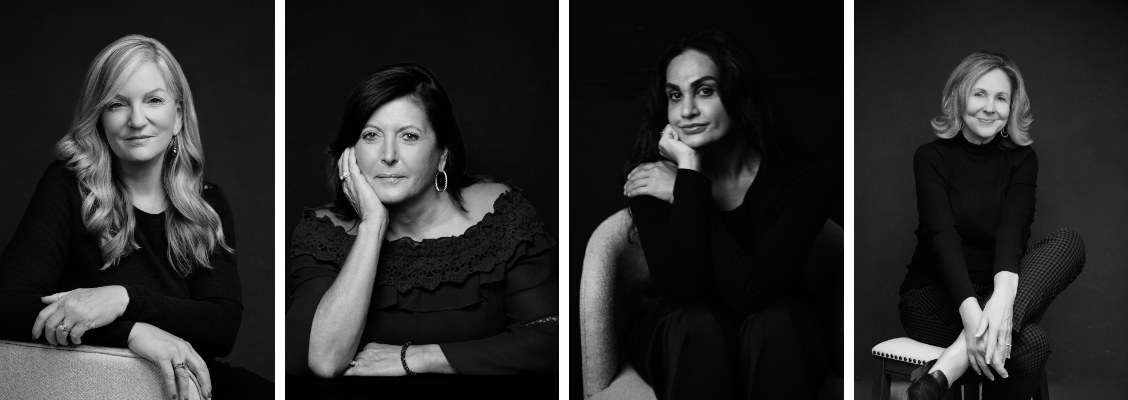
What to Wear for Your Headshot: Wardrobe, Makeup and Hair Tips
Preparation is one of the biggest factors in how a headshot turns out. The choices you make beforehand about wardrobe, hair and makeup shape the result as much as anything that happens in the studio. Here's what 26 years of photographing professionals has taught me about what works.
Wardrobe: What to Wear
Stick to solid colors Solid colors almost always outperform patterns on camera. Busy prints, stripes and bold graphics draw attention away from your face and date quickly. A solid color in a flattering shade keeps the focus where it belongs.
Best colors for headshots Navy is the most reliable choice across all skin tones, it reads as professional and photographs cleanly against most backgrounds. Other strong options include jewel tones (burgundy, forest green, sapphire, plum), charcoal, muted warm neutrals and dusty pastels.
Colors to avoid White and off-white tend to wash out against light backgrounds and create exposure challenges. Beige and tan often blend into skin tones. Neon and highly saturated colors pull attention away from your face.
Fit matters Clothing should fit well, not too tight, not too loose. Anything that bunches, pulls or gaps will show on camera.
Bring options Pack 2 to 3 outfits. Different colors and necklines give you variety across your final gallery, a more formal look for your company website, a slightly more relaxed look for LinkedIn, a bolder color for a speaking bio.
A note on black Black photographs well when it's a true, deep, fresh black. Faded or washed-out black reads poorly on camera. If you're wearing black, make sure it's freshly laundered and free of lint.
Makeup Tips for Headshots
Why headshot makeup is different The camera picks up more detail than the eye does. Makeup that looks natural in person can read as too light on camera, and makeup that looks overdone in person can look perfectly natural in photos. The goal is a polished, even look that doesn't call attention to itself.
Foundation and base Your base is the most important step. Make sure your foundation matches your natural skin tone exactly, particularly at the jaw and neck. A mismatched foundation line shows clearly in photos. Set your base with powder to reduce shine, as the studio lights pick up oil and sheen quickly.
Eyes Defined eyes read better on camera than bare ones. A neutral eyeshadow, defined lashes and a subtle liner help your eyes show up clearly without looking overdone. Avoid very dark or smoky looks unless that's genuinely part of your personal brand.
Lips A neutral to slightly deeper lip color photographs well. Very light or nude lips can disappear on camera. Avoid glossy formulas, matte or satin finishes hold up better under studio lights.
Avoid shimmer and glitter Highlighter, shimmer eyeshadow and glittery products reflect studio lighting in ways that create distracting bright spots. Stick to matte and satin finishes throughout.
Professional makeup services Professional hair and makeup is available through Nina's preferred artists, who understand what reads well on camera for a professional headshot. If you're considering it, ask when you book, it's worth the investment.
Touch-up kit Bring your makeup for touch-ups during the session. Blotting papers, powder, lip color and anything you used for your base are all worth having on hand.
Hair Tips for Headshots
Keep it simple and controlled The most common hair mistake in headshots is flyaway or frizzy hair that distracts from the face. Whatever your natural style, the goal is a version of it that's clean, controlled and intentional.
Freshly washed or styled Show up with hair that's freshly washed or professionally styled. Avoid dry shampoo overload, it creates a dull, powdery texture that reads flat on camera.
Avoid major changes right before your session A new haircut or color right before your session is a risk. If something doesn't go as planned, there's no time to correct it. Schedule any significant changes at least two weeks before your session.
Longer hair If you typically wear your hair down, bring the tools to put it up as well. Having both options gives you variety in your gallery, some clients find they prefer a more polished updo for their corporate headshot and their natural style for LinkedIn.
Men's grooming Freshly groomed is the right call. A haircut and fresh shave or trim of any facial hair within a day or two of the session makes a visible difference. Avoid heavy product that makes hair look wet or overly styled.
The studio has a steamer and a dressing area If anything needs a quick refresh when you arrive, the studio is set up for it.
Quick Reference Checklist
Before your session, run through this list:
2 to 3 solid color outfit options packed and pressed
Lint roller in your bag
Foundation that matches your skin tone at the neck
Makeup touch-up kit
Hair tools if you want an updo option
Glasses if you typically wear them
Any props relevant to your personal brand
Frequently Asked Questions
Should I get professional hair and makeup for my headshot? It's worth considering. The camera picks up more detail than the eye does, and professional makeup artists who work with photographers know how to produce results that look natural on camera. Ask when you book.
What if I don't wear much makeup? That's completely fine. A light, even base and some definition around the eyes is enough. The goal is a polished version of how you normally look, not a transformation.
Should I get a haircut before my session? If you're planning one, schedule it at least a week before the session so it has time to settle. Last-minute cuts are a risk if the result isn't what you expected.
What if I'm not sure what to wear? A wardrobe prep guide is sent with every booking confirmation. If you'd like specific feedback on your options before the session, send photos and Nina will weigh in.
Senior C-Suite HR Executive Magazine Feature
As featured in HR Magazine - Sumer 2020 Issue.

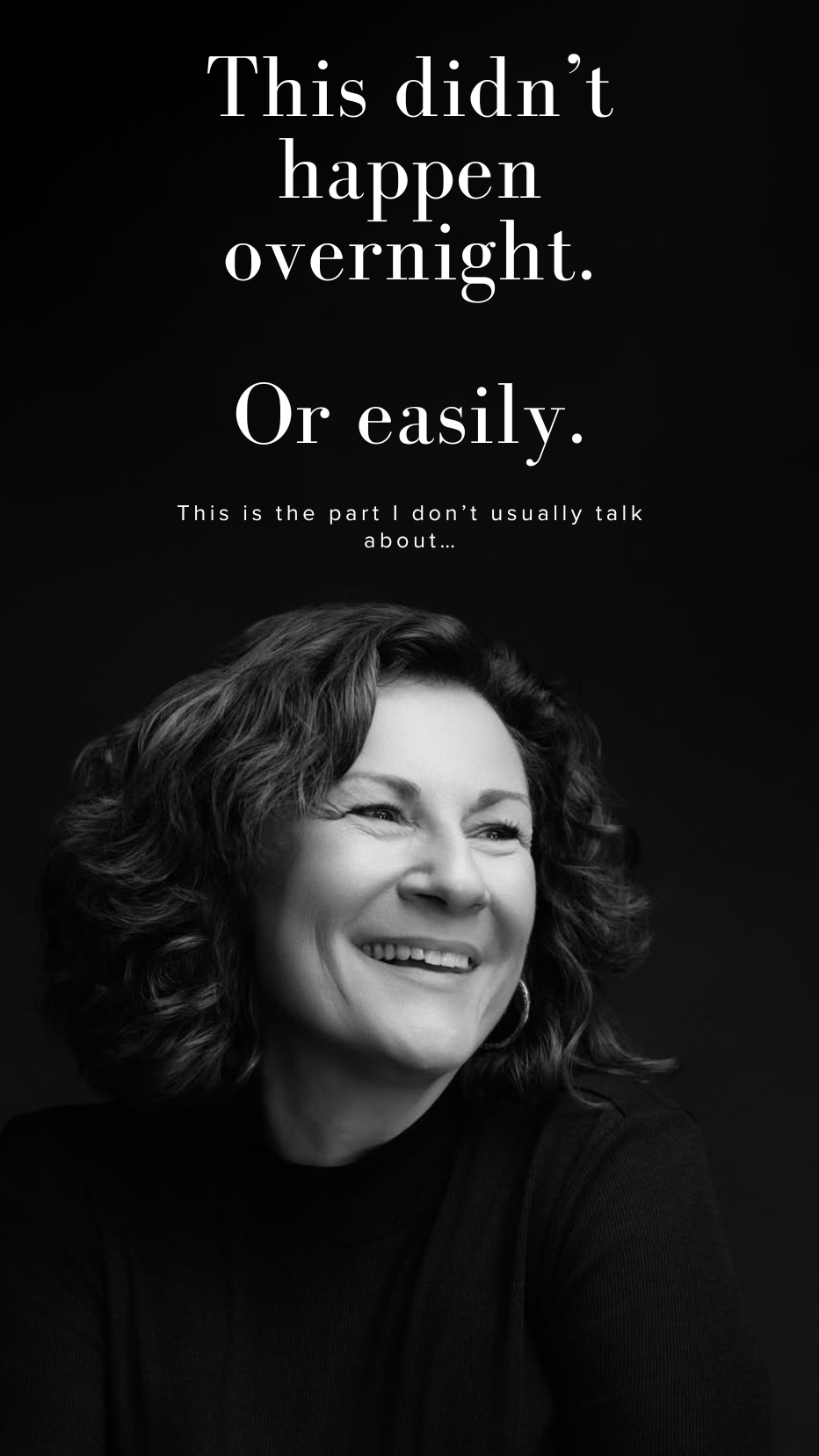
This didn’t happen overnight. Or easily.
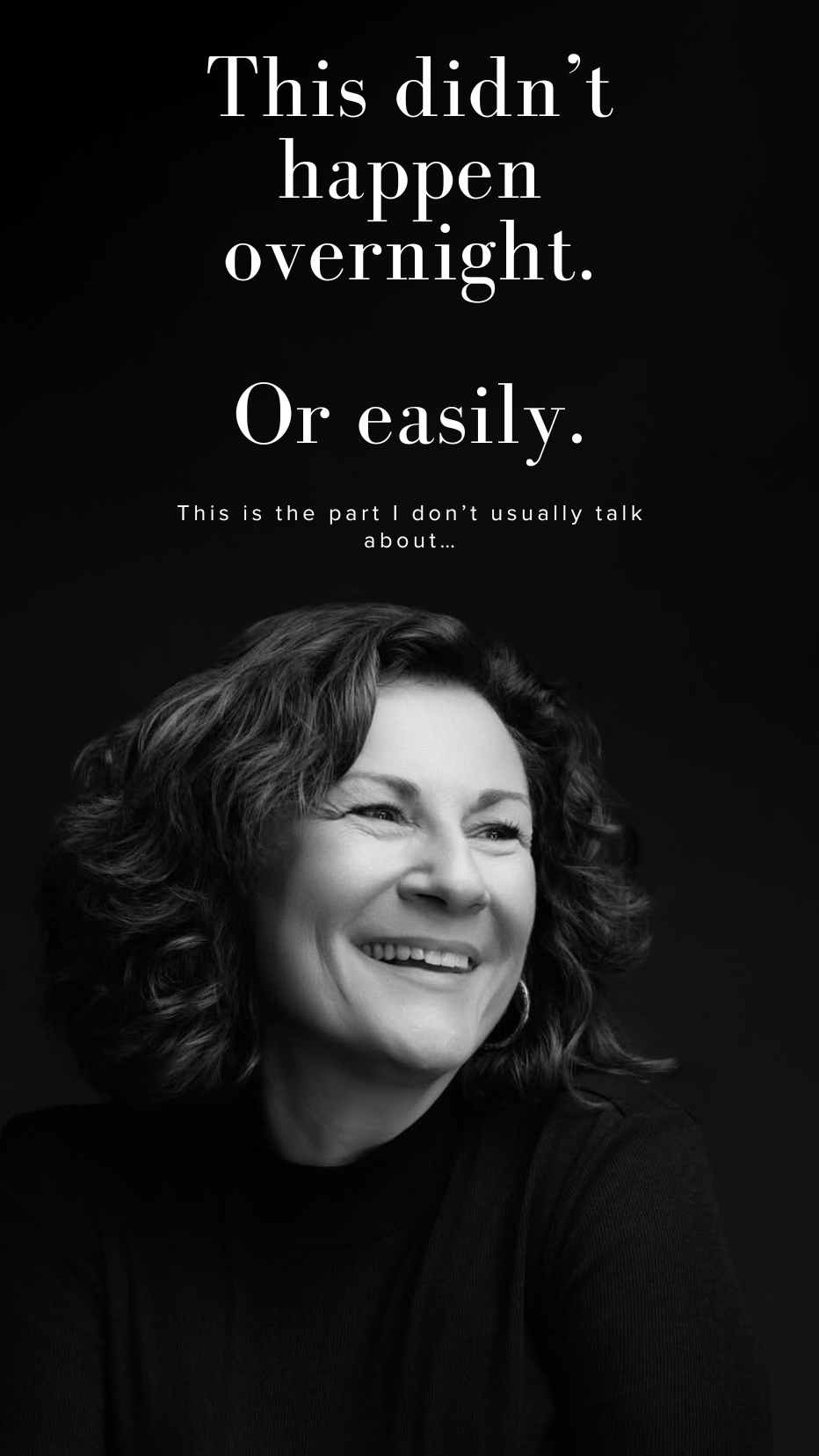
26 years in business.
And the truth is — this journey has been anything but linear.
I built my photography business on weekends and at night while working full-time in a Wall Street tech career, juggling two jobs in New York and Connecticut — including through 9/11, a moment that changed how I saw everything.
A few years later, I moved to California and had to start over from scratch. And within that first year, life hit hard: a cancer diagnosis and a divorce — both while rebuilding a business, a network, and myself.
That restart alone has been 9.5 years of choosing to stay.
To keep going.
To believe again when it would’ve been easier not to.
What 26 years has taught me:
You don’t arrive. You evolve.
And resilience isn’t loud — it’s quiet, daily commitment.
Today, I photograph people at their own turning points — moments when they’re becoming something new and need to see their strength reflected back.
If you’re in the middle of your own hard chapter, this is your reminder:
You’re not behind. You’re becoming. 🤍
Headshot of New President CEO of the Pleasanton Chamber of Commerce

Huge congratulations to Yianna Theodorou on being named the new President & CEO of the Pleasanton Chamber of Commerce!
It’s been amazing seeing your leadership in action over the years — from strengthening member engagement to fostering meaningful community partnerships — and now you’re stepping into this well‑deserved role. As a fellow Chamber member and former Ambassador Chair, I’m proud to share this moment and excited for what’s ahead under your direction.
Check out the full story:
https://www.pleasantonweekly.com/pleasanton/2026/01/14/pleasanton-chamber-promotes-longtime-employee-theodorou-to-president-ceo/
Here’s to continued growth and success for the Chamber and our community!
LinkedIn Profile Photo Tips: A Complete Guide

Your LinkedIn profile photo is working before you ever send a connection request, before anyone reads your headline and before they click on your profile. It shows up in search results, in messages and alongside every comment you leave. Of all the elements on your LinkedIn profile, your photo has the most immediate impact on whether someone decides to engage with you.
After 26 years of photographing professionals across the Tri-Valley and East Bay, here's what consistently makes a LinkedIn photo work and what gets in the way.
Why Your LinkedIn Photo Matters
LinkedIn's own data shows that members with a profile photo receive significantly more profile views and messages than those without one. The photo signals that the profile is active, current and belongs to a real professional who takes their presence seriously.
Beyond visibility, research on profile photos consistently shows that people form fast impressions based on images, assessing competence, trustworthiness and approachability within seconds. A photo that communicates confidence and warmth works in your favor before a single word is read.
LinkedIn Photo Specs
Getting the technical requirements right is the starting point:
Recommended size: 400 x 400 pixels minimum, up to 7680 x 4320 pixels
File format: JPG, PNG or GIF
File size: Under 8MB
Aspect ratio: 1:1 (square) - LinkedIn crops your photo to a circle in most views
Face framing: Your face should fill approximately 60% of the frame - head and shoulders, not a full body shot
A professional photographer delivers images already sized and formatted correctly. If you're working with an older photo, crop and resize before uploading a stretched or poorly cropped image reads as careless at a professional level.
What Makes a Strong LinkedIn Photo
Expression A natural, approachable expression consistently outperforms a stiff or overly serious one. Research on profile photos has found that people with genuine smiles particularly open, relaxed ones are rated as more likable and approachable. The goal is an expression that looks like you in a good conversation, not like you're waiting for the camera to stop.
Wardrobe Dress the way you'd dress to meet a client or attend a professional meeting. Solid colors photograph better than patterns on LinkedIn's small circular crop. Navy, charcoal and jewel tones all work well. Avoid large logos and anything that dates quickly.
Background A clean, neutral background keeps the focus on your face. Most professional headshot studios offer multiple background options a simple light or dark background is the most versatile for LinkedIn.
Lighting Flat lighting, harsh shadows and overhead fluorescent lighting all read poorly on camera. Professional studio lighting is specifically designed to be flattering and consistent which is the primary reason a professional headshot looks different from a photo taken in a conference room or a selfie.
Resolution A blurry or low-resolution photo undermines everything else on your profile. Upload the highest resolution file you have.
What to Avoid
Selfies - the angle and lighting are almost never flattering and the image reads as informal
Group photos or cropped group shots - the crop is usually obvious and it raises the question of who else was in the photo
Sunglasses, hats or accessories that obscure your face
Casual clothing - a t-shirt or very casual outfit sends a different signal than your professional context warrants
Pets, children or other people in the frame - your profile photo should be you, alone
Car photos - the background and lighting of a car interior rarely photograph well
Full-body shots - LinkedIn crops to a circle; a full-body photo makes your face too small to read
Photos more than two to three years old - if you look noticeably different from your current photo, it creates a disconnect when you meet people in person
Low-resolution or blurry images - if the image isn't sharp, it signals a lack of attention to detail
How Often Should You Update Your LinkedIn Photo
Every two to three years is a reasonable guideline or sooner if your appearance has changed significantly. If you've changed your hair, lost or gained weight, or if your current photo is from a different phase of your career, it's worth updating.
Keeping multiple outfit options from a single session gives your profile and your team variety when posting content. A session that produces 2 to 3 different looks means you're not relying on the same image across every platform and use case.
Professional Headshot vs. DIY
The difference between a professional headshot and a phone photo or selfie comes down to three things: lighting, direction and retouching.
Professional studio lighting is specifically designed to be flattering. A photographer who specializes in headshots provides direction on expression, posture and angles throughout the session so you don't have to figure out what to do. And professional retouching delivers a finished image that looks natural and polished without looking overly edited.
For a platform where your photo is one of the first things a recruiter, potential client or business connection sees, a professional image is worth the investment.
Frequently Asked Questions
What size should my LinkedIn photo be? LinkedIn recommends a minimum of 400 x 400 pixels. The photo displays as a circle, so a square crop with your face centered works best. Your face should fill approximately 60% of the frame.
How often should I update my LinkedIn photo? Every two to three years, or sooner if your appearance has changed significantly. An outdated photo creates a disconnect when you meet people in person.
Should I smile in my LinkedIn photo? A natural, relaxed expression including a genuine smile, consistently outperforms a stiff or overly serious look. The goal is approachable and confident, not formal to the point of being unfriendly.
What should I wear for my LinkedIn headshot? Dress the way you'd dress to meet a client or attend a professional meeting. Solid colors photograph better than patterns. Navy, charcoal and jewel tones are all strong choices.
Does background color matter for LinkedIn? A clean, neutral background keeps the focus on your face and works well in LinkedIn's circular crop. Very busy or colorful backgrounds tend to distract.
Where is the studio? The studio is at 4725 1st Street in downtown Pleasanton, centrally located in the Tri-Valley with parking available in three surrounding lots.